Free AI Baby Generator
Upload photos of both parents and see what your future baby will look like in seconds.
How to Use AI Baby Generator
- 01Upload Photos
Upload a clear, front-facing photo of each parent to AI Baby Generator. Make sure both faces are well-lit and easy to see. You can also scan a QR code on your computer to upload photos straight from your phone.
- 02Choose Your Settings
Customize your baby photo in AI Baby Generator. Choose a single baby photo or a family photo with both parents. Pick the gender—boy, girl, or twins—and choose the age: baby, child, or teen.
- 03Download and Share
Click Generate to get your lifelike baby photo in seconds. Download it in full resolution, scan the QR code to save it to your phone, or tap Animate to turn it into a short video.
Real Results from AI Baby Generator


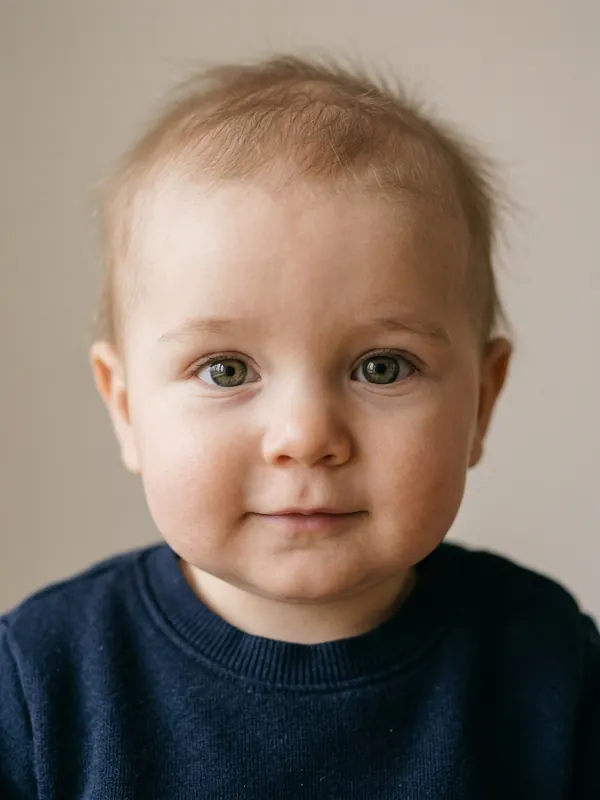
Baby Boy


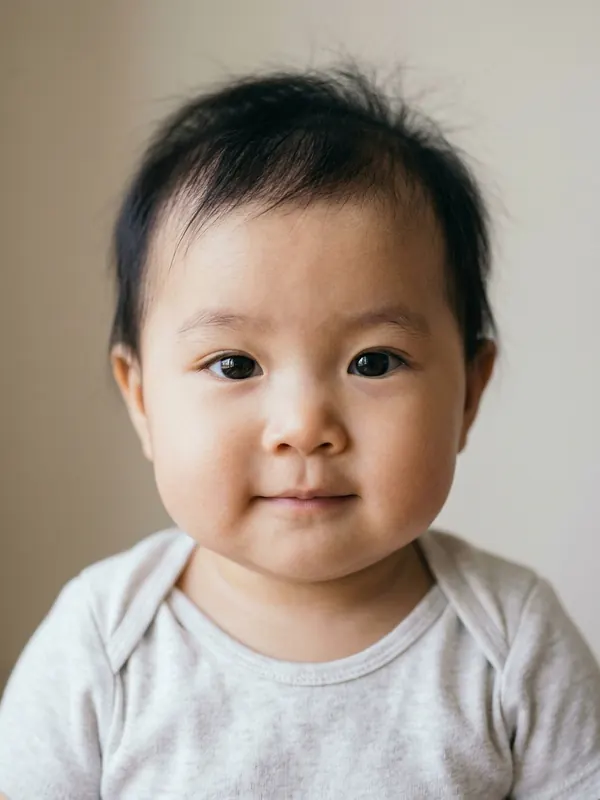
Baby Girl

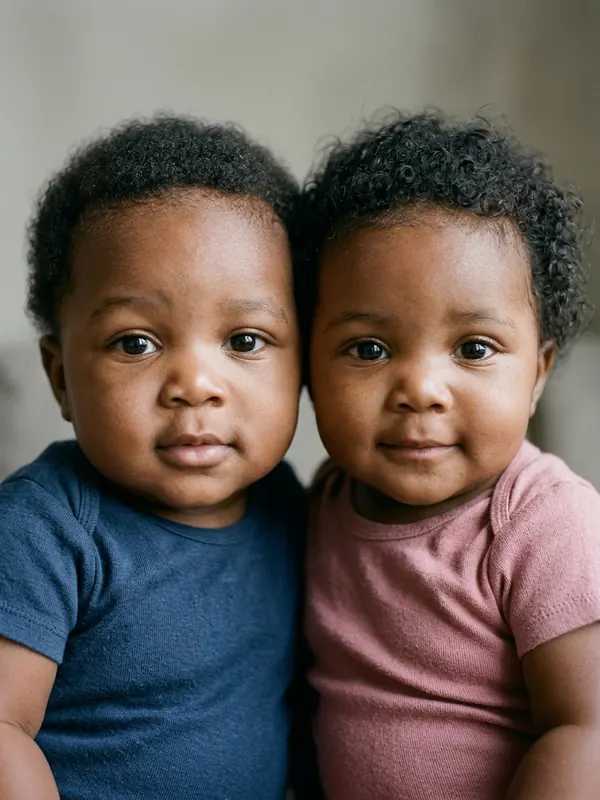
Twins



Family Photo


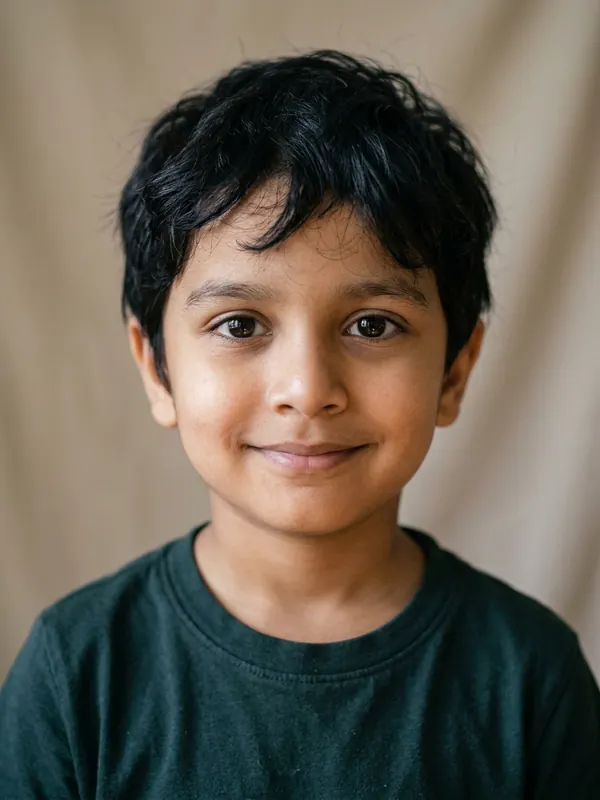
Child


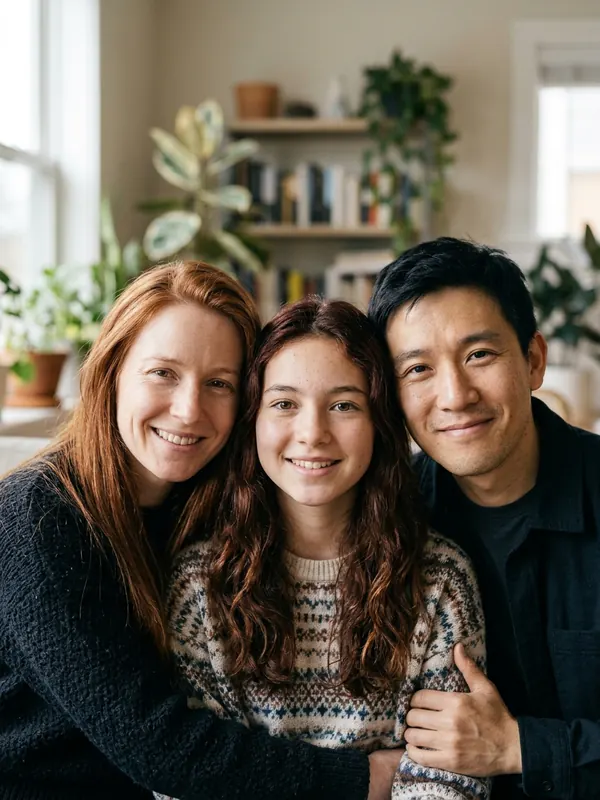
Teen · Family Photo
Key Features of AI Baby Generator
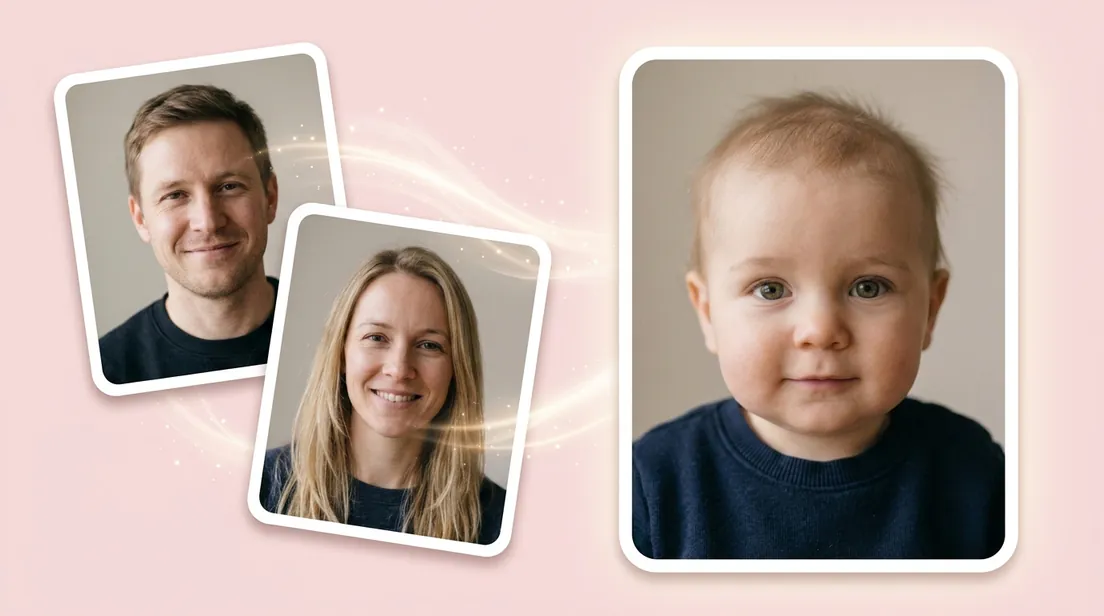
See a Real Mix of Both Parents' Faces
Unlike a basic baby face generator that just pastes one face onto another and leaves blurry edges, AI Baby Generator looks at both parents' real features—like eye color, nose, smile, skin tone, and hair—and blends them naturally. You get a lifelike baby photo who truly looks like a mix of both of you.
Try a Baby Boy, a Baby Girl, or Twins
Ever ask yourself what will my son look like, or what will my daughter look like? AI Baby Generator lets you pick Boy, Girl, or Twins right in the gender settings. You can use the same two parent photos in our baby photo generator to compare all three options without uploading again.
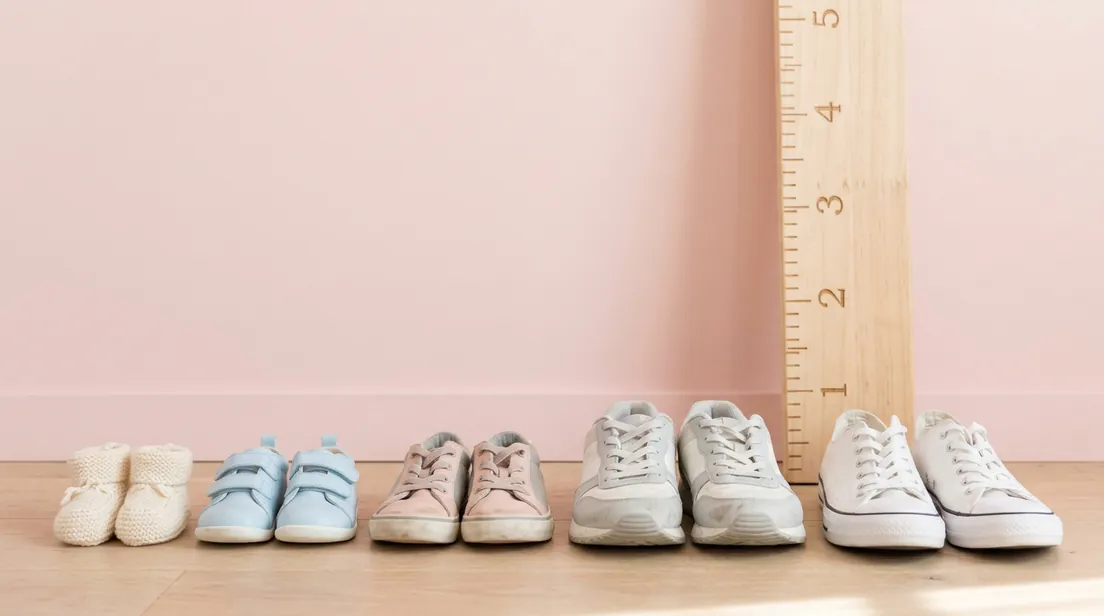
Watch Your Future Child Grow from Baby to Teen
Curious what your baby will look like as a kid or a teenager? AI Baby Generator lets you switch the age setting between Baby, Child, and Teen with one click. Our baby AI generator shows how your child's face and smile could change as they grow up.
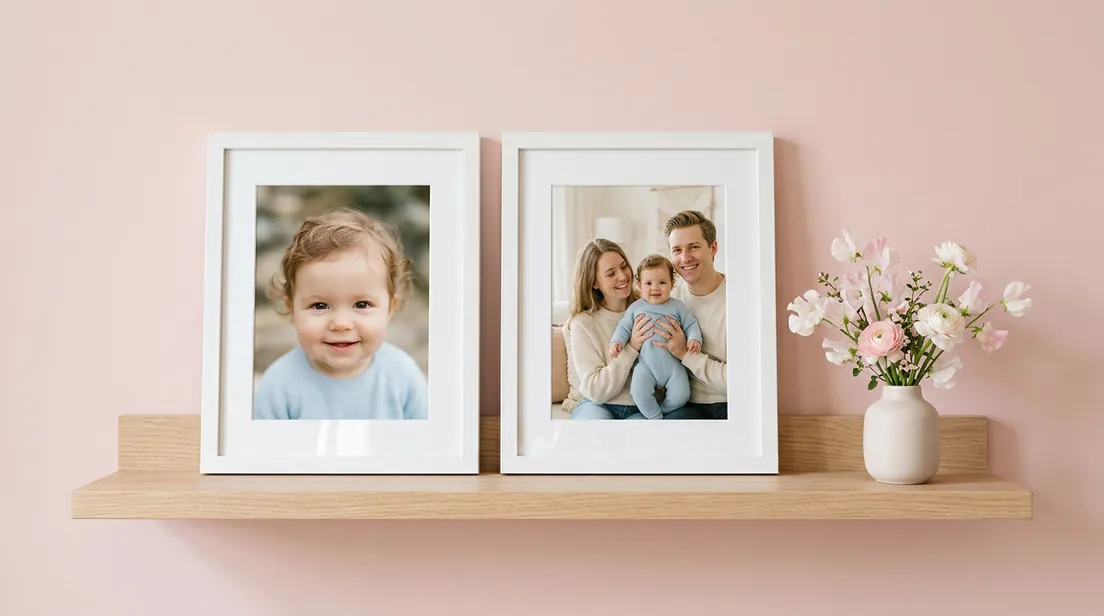
Create a Baby Portrait or a Full Family Photo
Most baby face generator tools only show a close-up of the baby's face. In AI Baby Generator, you can pick Single Photo for a classic portrait of your child, or switch to Family Photo. That puts both parents and your future child together in one warm family picture.
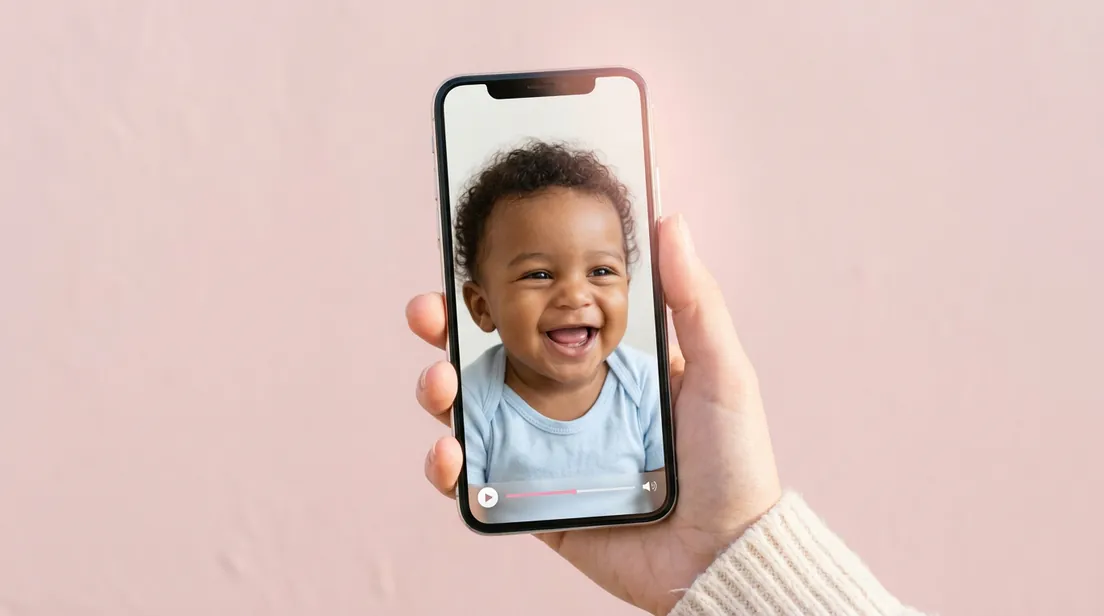
Turn Your Baby Photo into a Video
AI Baby Generator is more than a static baby photo generator—you can also watch your future baby move. Just tap Animate under any photo you create to bring it to life. In a few minutes, you'll have a cute, short baby video with sound ready to share.

Get Results in Seconds with Private Photo Protection
AI Baby Generator works right in your browser and creates high-resolution, watermark-free photos in seconds. Every portrait from our AI baby maker stays private in your account, and we never show your uploaded parent photos to other users. You can download your favorites anytime or delete them whenever you want.
Photo Tips for the Best AI Baby Generator Results
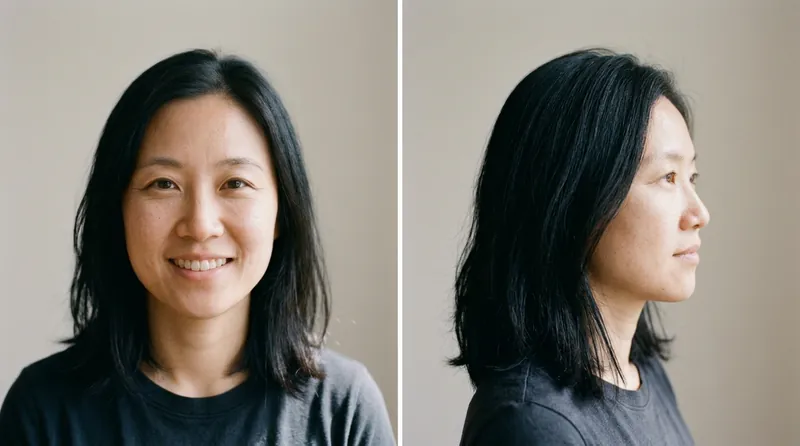
Look Straight at the Camera
Use clear, front-facing photos of both parents. Make sure each face fills most of the frame so AI Baby Generator can see every detail.
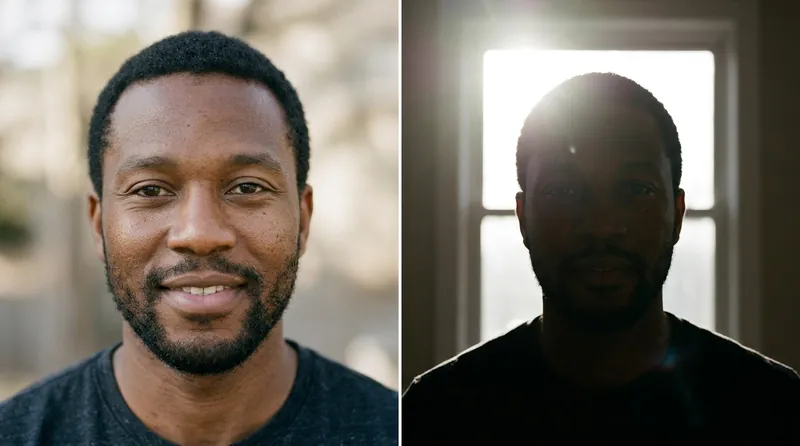
Use Bright, Natural Light
Pick photos taken in daylight or a well-lit room. Good lighting helps AI Baby Generator match eye color, skin tone, and hair texture accurately.
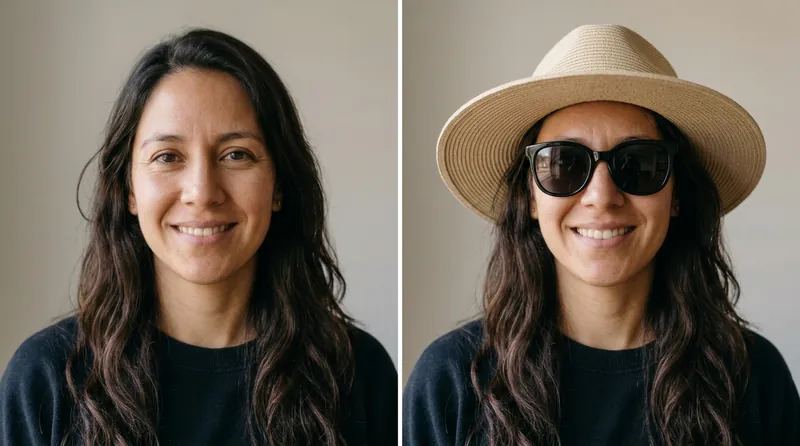
Skip Sunglasses, Hats, and Filters
Don't use photos with sunglasses, hats, masks, or heavy beauty filters. Keep the forehead, eyes, and jawline uncovered for a natural blend in our baby face generator.
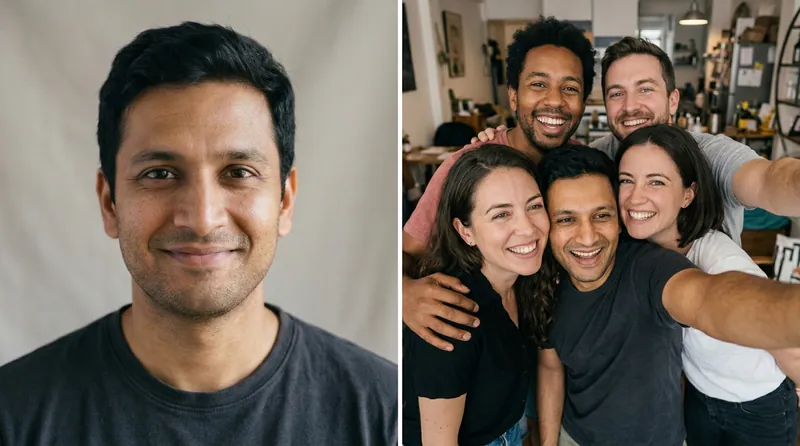
Use One Person per Photo
Before using the baby photo generator, avoid group photos or cropped couple selfies. Upload a solo photo of each parent so it picks up the right face right away.
Simple and Transparent AI Baby Generator Pricing
Start with a 3-day trial, then keep creating with Premium. Cancel anytime.
- Cancel anytime
- Secured by Stripe
$2.99
- 5 baby photos
- Watermark-free downloads
- Private generation
- Video clips
$19.99/ month
- Up to 100 photos every month
- Up to 10 video clips every month
- Watermark-free downloads
- Private generation
- Priority support
- Cancel anytime
$2.99 today for the 3-day trial. It becomes $19.99/month afterwards unless you cancel, and you can cancel any time in Account → Subscription.
All prices are in US dollars (USD).
For any questions about payment, contact our support team: Contact support
Pay safely and securely with









Frequently Asked Questions
What is AI Baby Generator?
AI Baby Generator is an online AI baby maker that shows what your future child could look like. Upload a photo of each parent, and it blends both faces—eyes, nose, smile, hair, and skin tone—into a lifelike child photo.
Is AI Baby Generator free to use?
You can try our baby generator AI free of charge to upload parent photos and test all the settings. When you're ready to create your photo in AI Baby Generator, start the $2.99 3-day trial to get 5 watermark-free photos.
How accurate is AI Baby Generator?
AI Baby Generator is made just for fun and curiosity. It blends visible features from both parents' photos, not real DNA or genetics. Real babies can always surprise you, so don't use it for medical or family decisions.
What photos work best for AI Baby Generator?
Use a clear, bright, front-facing photo of each parent in our baby generator AI. Make sure each face fills most of the frame and looks straight at the camera. Skip sunglasses, hats, and heavy filters, and use a solo photo of each person.
Can I create a family photo with both parents and the baby?
Yes. Pick Family Photo under Photo Type before you click Generate in AI Baby Generator. You'll get a warm picture of both parents and your future child smiling together.
Can I choose a boy, a girl, or twins at different ages?
Yes. AI Baby Generator lets you pick Boy, Girl, or Twins, and switch the age between Baby, Child, and Teen. You can try different combinations with the same two parent photos.
Can I turn my baby photo into a video?
Yes. Once your baby photo is ready, tap the Animate button. AI Baby Generator will turn your photo into a short video with sound in just a few minutes.
Can I share my baby photos and videos on social media?
Yes. Every photo and video you make in AI Baby Generator is high resolution and has no watermark. You can save it to your device, send it to family group chats, or post it on TikTok, Instagram, and YouTube.
Do I need to download an app to use AI Baby Generator?
No. This baby AI generator works right in your phone or computer browser with nothing to install. If you're on a computer, you can also scan a QR code to upload photos straight from your phone.
How long does it take to get my baby photo?
AI Baby Generator creates a baby photo in seconds, and baby videos take just a few minutes. Once your photo or video is ready, it's saved in your history so you can view or download it anytime.
Are my uploaded photos safe and private?
Yes. All parent photos and results in AI Baby Generator stay private in your account. We never share your photos publicly or show them to other users, and you can delete them anytime.
What happens if a generation fails?
If a generation fails, AI Baby Generator refunds your credits automatically. You don't have to worry about losing credits—just try again or upload a clearer photo.
How do I cancel my trial or subscription?
You can cancel anytime in a few clicks. Just open your account menu, go to Account → Subscription, and click cancel.
Meet Your Future Baby Today
Upload photos of both parents and see your future child in seconds with AI Baby Generator.